
Follow the 3 steps below:
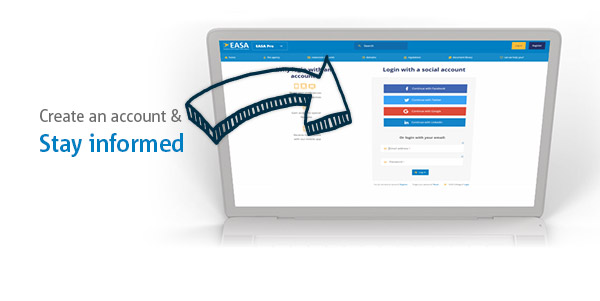 1. Create an account
Create an account with social logins or use the normal registration form.
2. Go to the specific page & click "Follow this item" on the top right
Not all pages can be be followed.
We offer an overview of the specific pages and categories you can follow.
3. Decide how to stay informed
Your personalised stream
If you follow a category all relevant updates will appear on your personalised stream on the EASA homepage.
You can enable email notifications, the default email frequency is daily but you can decide to receive an email immediately after a publication.
Push notifications
You can get push notifications for categories important to you, they will always be sent immediately.
Create an account and stay informed